
What OCR does
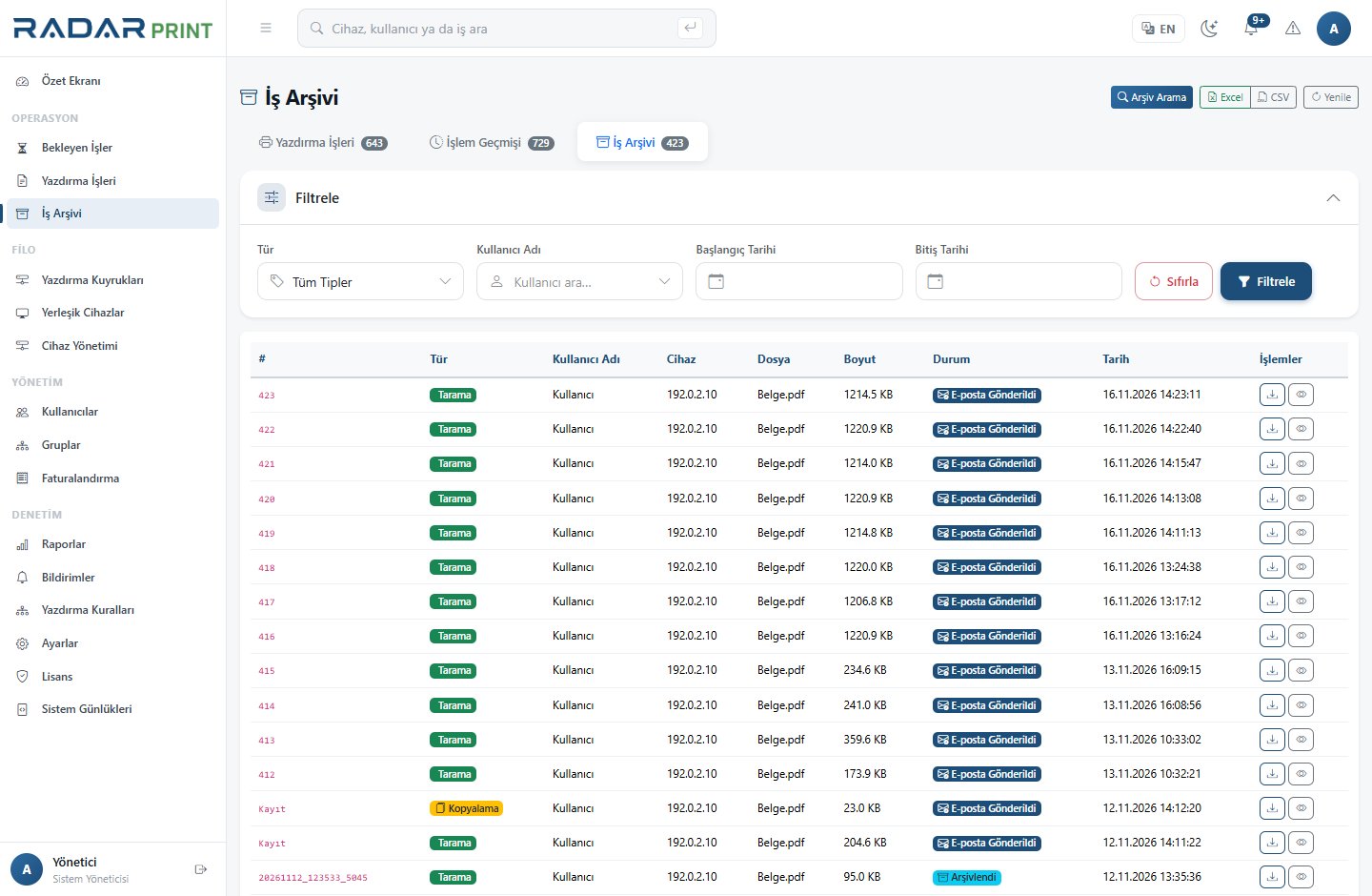
OCR attempts to recognize text in scanned or image-based documents. RadarPrint provides Turkish OCR within the archive module. A document appearing in the archive does not necessarily mean OCR has already finished.
Verification workflow
- Check the archive license and scope for the relevant document type.
- Scan a legible, correctly oriented Turkish test document.
- Confirm that the document reaches the archive.
- After processing completes, search for a distinctive word in the document.
- Open the result and compare it with the source.
If there is no result
Review blur, skew and contrast. Check language configuration, whether OCR is enabled and the pending processing state. Do not expect perfect recognition of handwriting, complex tables or damaged scans.
Access and retention
Grant archive search access only to people who need it. Full-text search makes sensitive content easier to find, so plan permissions and retention together. Verify the source document before relying on OCR output for a critical decision.