
COSTS AND BUDGETS
Which print? Whose budget?
Make sense of expenditure with cost centres, projects and price cards. Set limits for users and groups.
Cost management →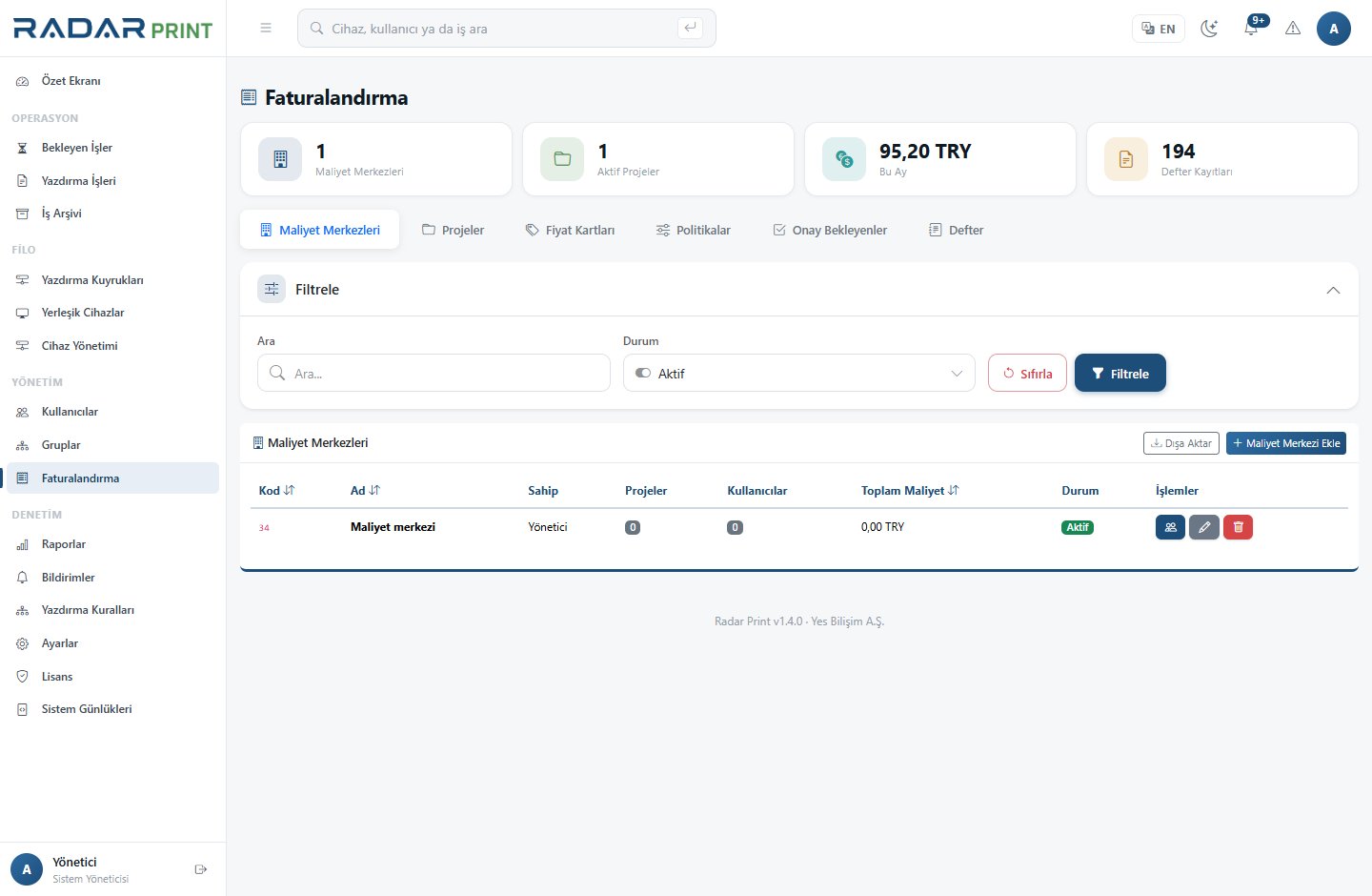

Printers, people, documents and costs. Bring your print operations together in one management console.
WORKING WITH RADARPRINT
A document waiting on one floor. Low toner in another building. Costs to explain at month end. RadarPrint brings these details together.
Explore the platform →






Compatibility and available features vary by device model.
INSIDE RADARPRINT
Choose a view below and take a closer look at the actual RadarPrint management interface.
BEHIND EVERY PRINT
Make sense of expenditure with cost centres, projects and price cards. Set limits for users and groups.
Cost management →Track scan and copy records. Find document content again through archiving and OCR.
Explore the details →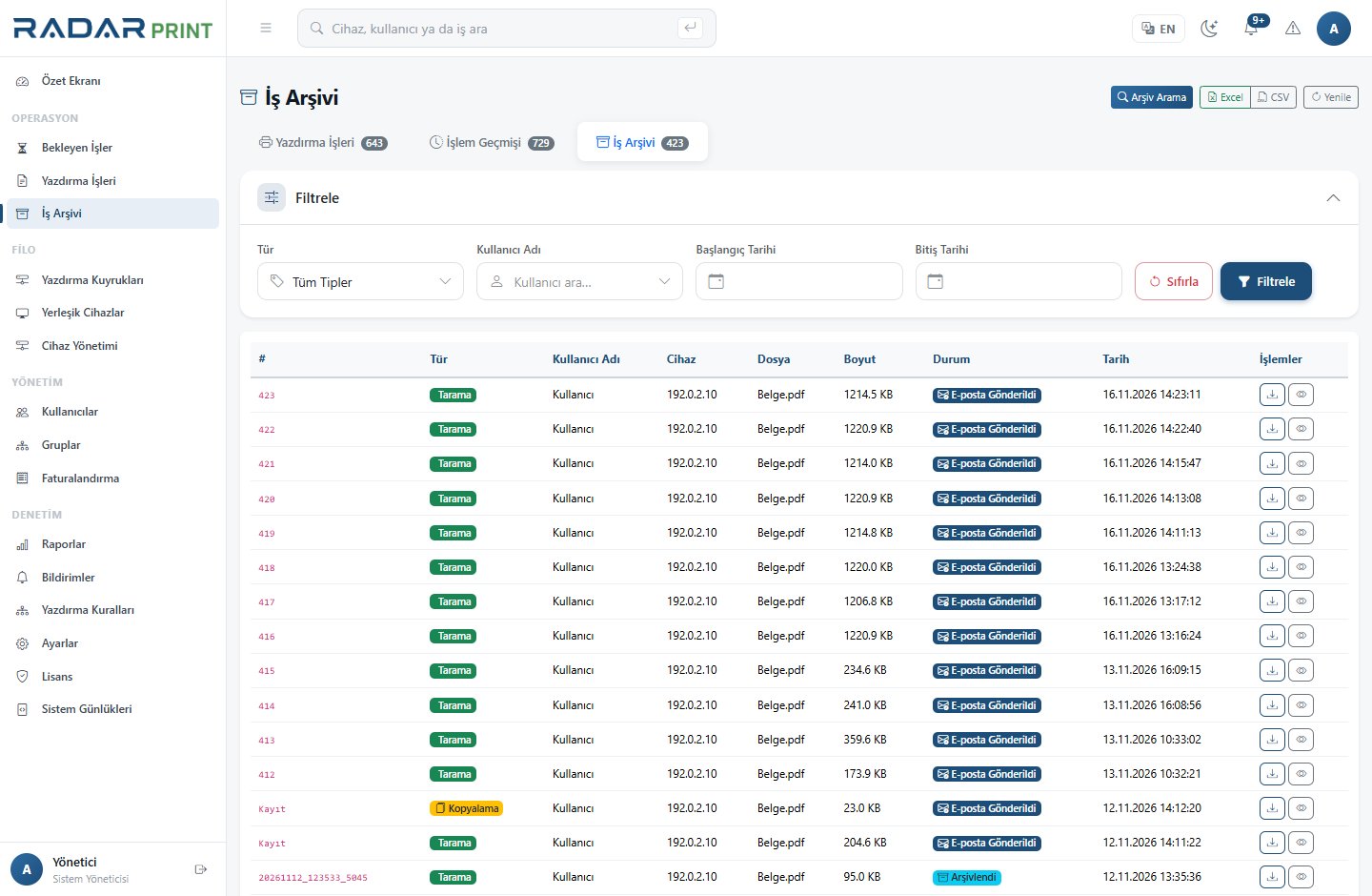
Define conditions and priorities. Shape your workflow, from duplex printing to job restrictions.
Explore the details →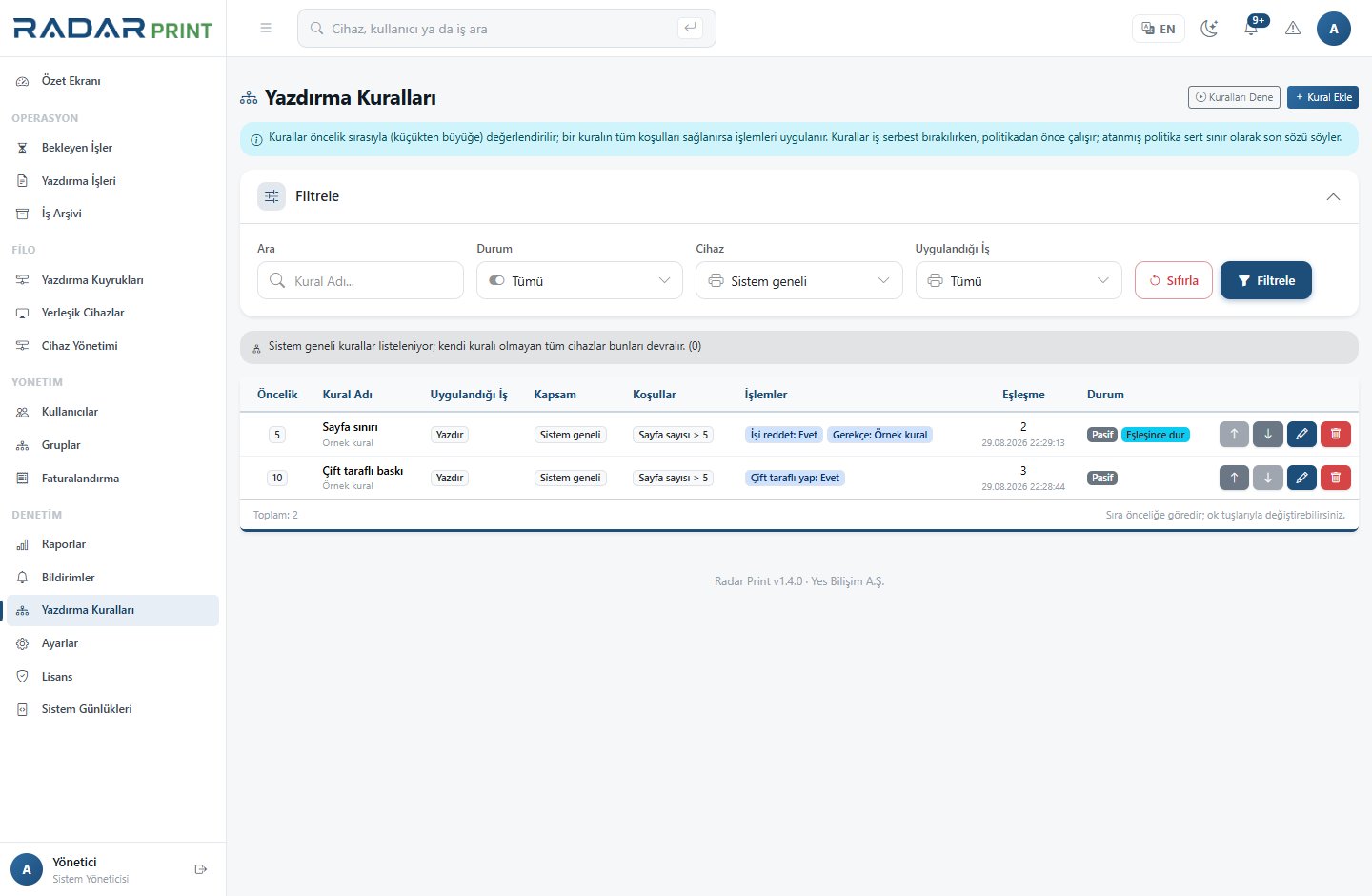
Feature availability depends on device model, version and licence scope.
SECURE PRINTING
Your document need not wait in a shared output tray. Submit your job, authenticate at a compatible device and collect the documents you need.
Explore secure printing →Your document waits for you in the secure queue.
Use a card or PIN at a supported device.
Release only the jobs you need.
ON YOUR INFRASTRUCTURE, WITH CONFIDENCE
RadarPrint runs on your network. Get more from your platform with deployment, everyday use and troubleshooting guides.
Open the knowledge base →YOUR NEXT STEP
Let’s review your devices, your needs and the right deployment for your team.