
Choosing a report
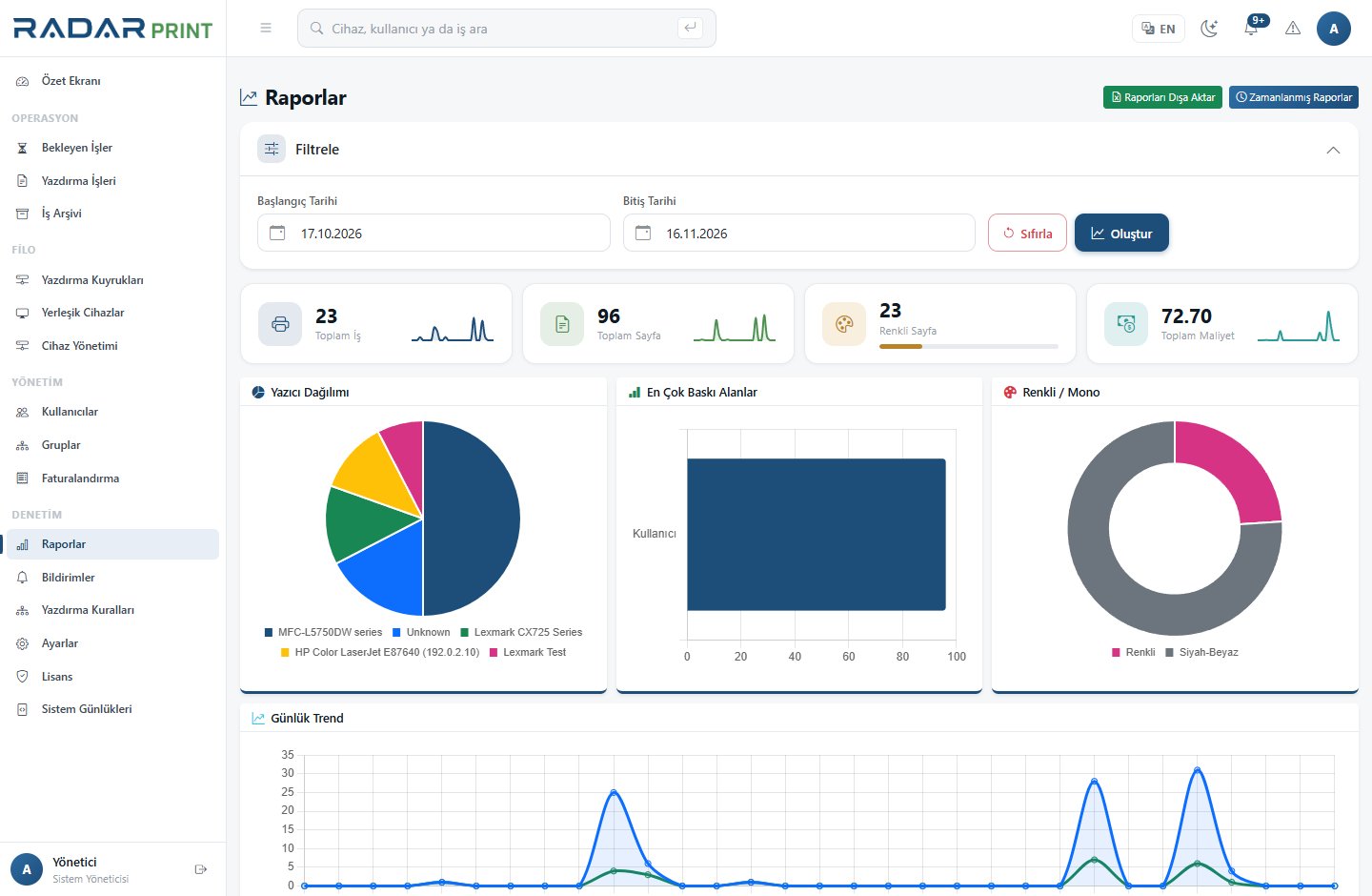
RadarPrint provides user, printer, department and daily usage reports. They aggregate the same environment from different perspectives. Align dates, filters and operation scope when comparing totals.
Preparing a report
- Define your question: who used which device, during which period, and how much?
- Open the relevant report type and set the date range.
- Apply the user, device or department scope.
- Review pages, color usage and cost together.
- Export to the supported Excel or PDF format as needed.
If totals differ
Check matching filters, time zone and period boundaries. Missing department information may produce unexpected grouping. Review the applicable cost profile when comparing financial values.
Sharing
Reports can contain user and document-related information. Limit recipients according to business need. Once exported, protection depends on the storage location rather than the application’s permissions.