
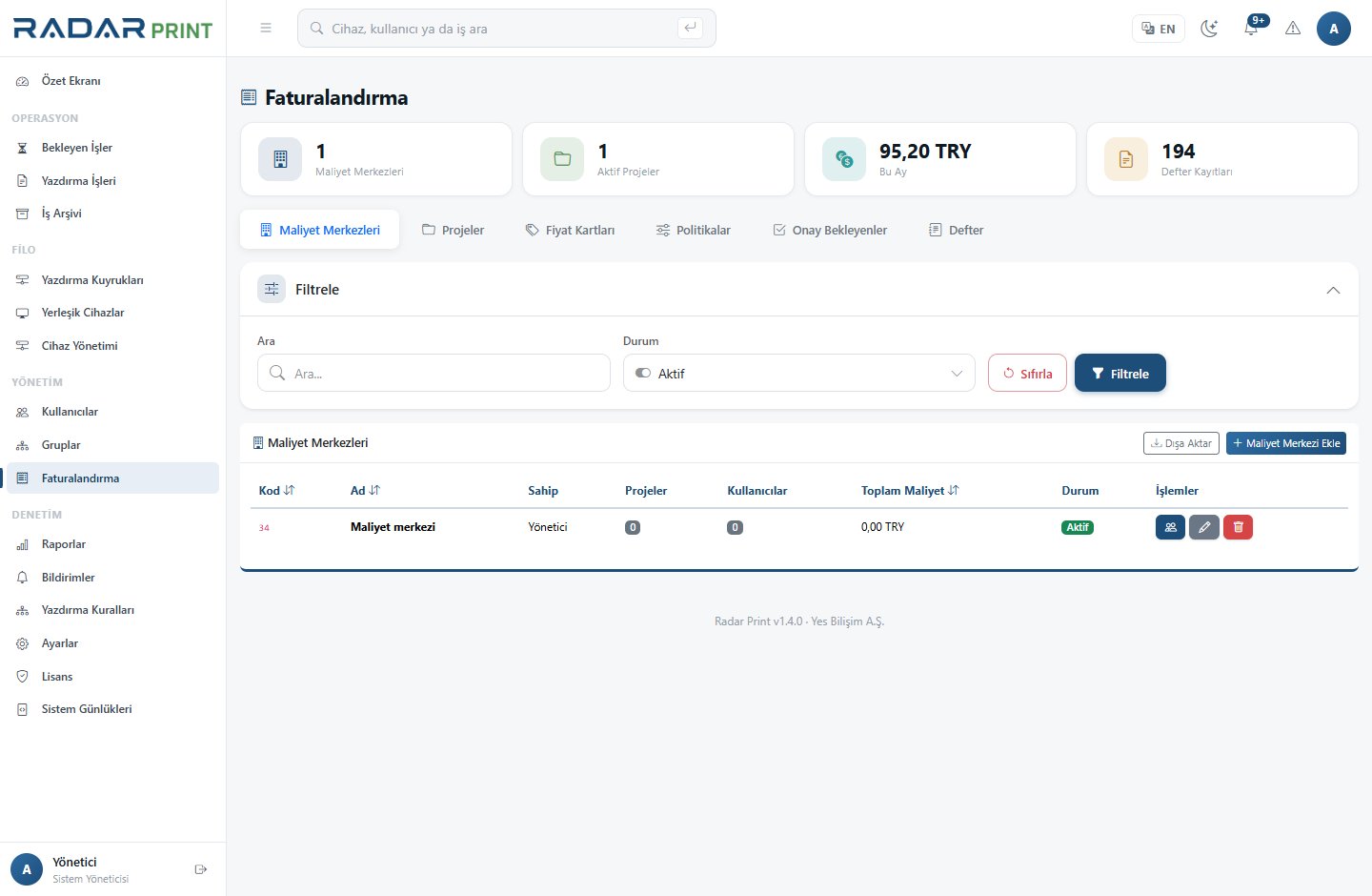
Quotas and cost
RadarPrint supports assigning balances to individuals or groups. Meaningful balance control depends on correct job costing. Validate the cost profile before applying user limits.
Pilot
- Assign a policy-appropriate balance to a small test group.
- Record the user’s balance before printing.
- Release a job with a known cost and inspect the result.
- Test starting an operation when the balance is insufficient.
- If copy or scan charging is enabled, test those workflows separately.
Edge cases
A failed job, cancelled job and multiple-copy job may not have identical outcomes. Investigate the timestamp, job state and balance movement together. Do not draw conclusions solely from the latest displayed total.
Operational policy
Define renewal periods and exception requests within your organization. Document how group changes and departing users affect remaining balances. Restrict balance modification to authorized staff.