
Schedule fields
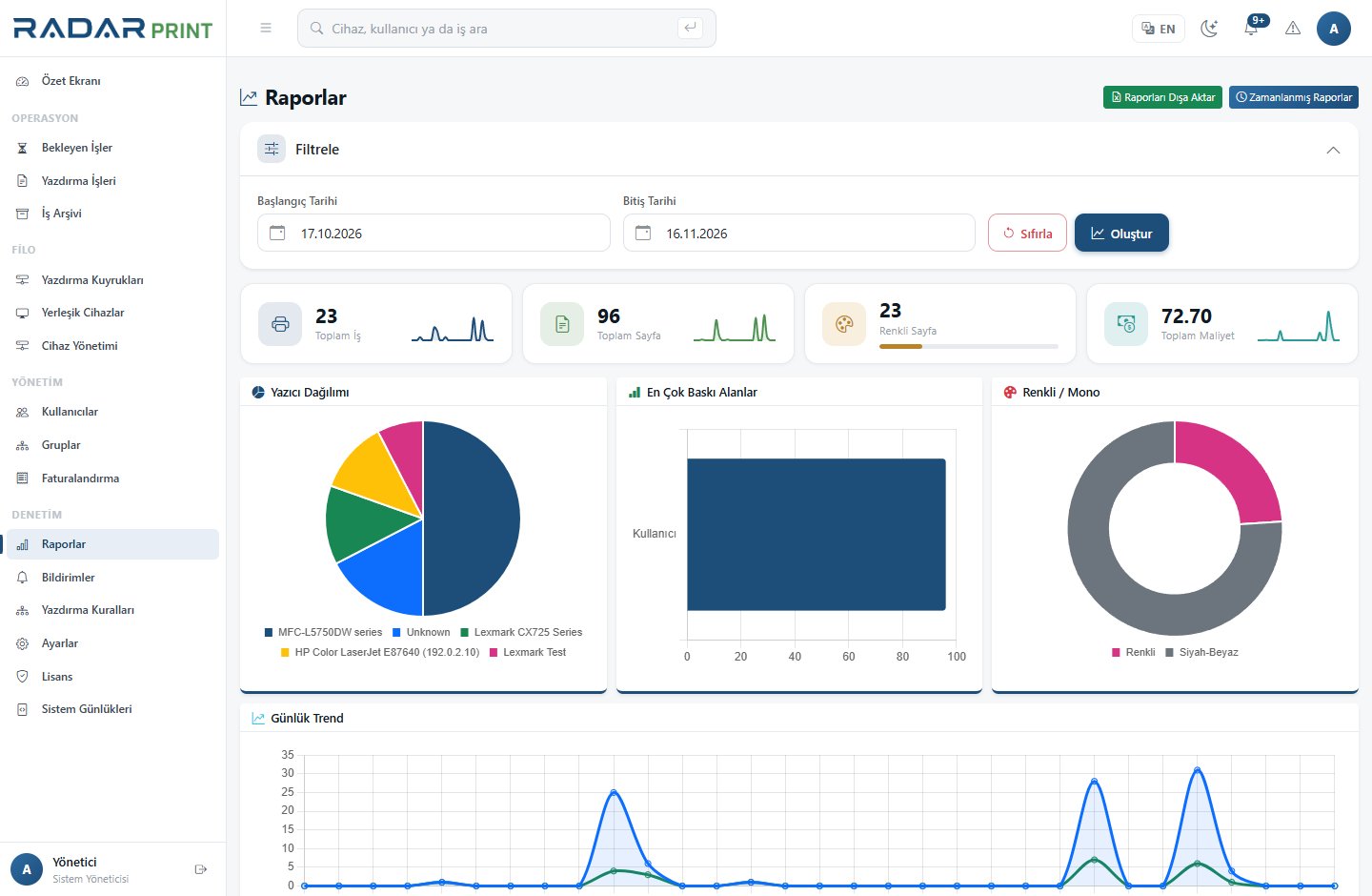
A scheduled report defines its type, daily/weekly/monthly frequency, day, time, recipients, output format and reporting date range. Delivery frequency and reporting period are separate settings.
Setup steps
- Verify SMTP with a test delivery.
- Choose the report type and a recognizable schedule name.
- Set the delivery day and time with the server time zone in mind.
- Review recipients and the last-day/week/month reporting period.
- Select output format and the summary option.
- Trigger the first send manually and open the file to inspect its scope.
When delivery fails
Check that the schedule is active, along with its last sent time and last error. Investigate time zone, SMTP access and recipient acceptance separately. Mail may also be queued or quarantined.
Maintenance
Review recipients after team changes. Avoid sending broad usage reports to unnecessary distribution lists. Comparing a manually generated period-end report with the scheduled result is a useful control.