
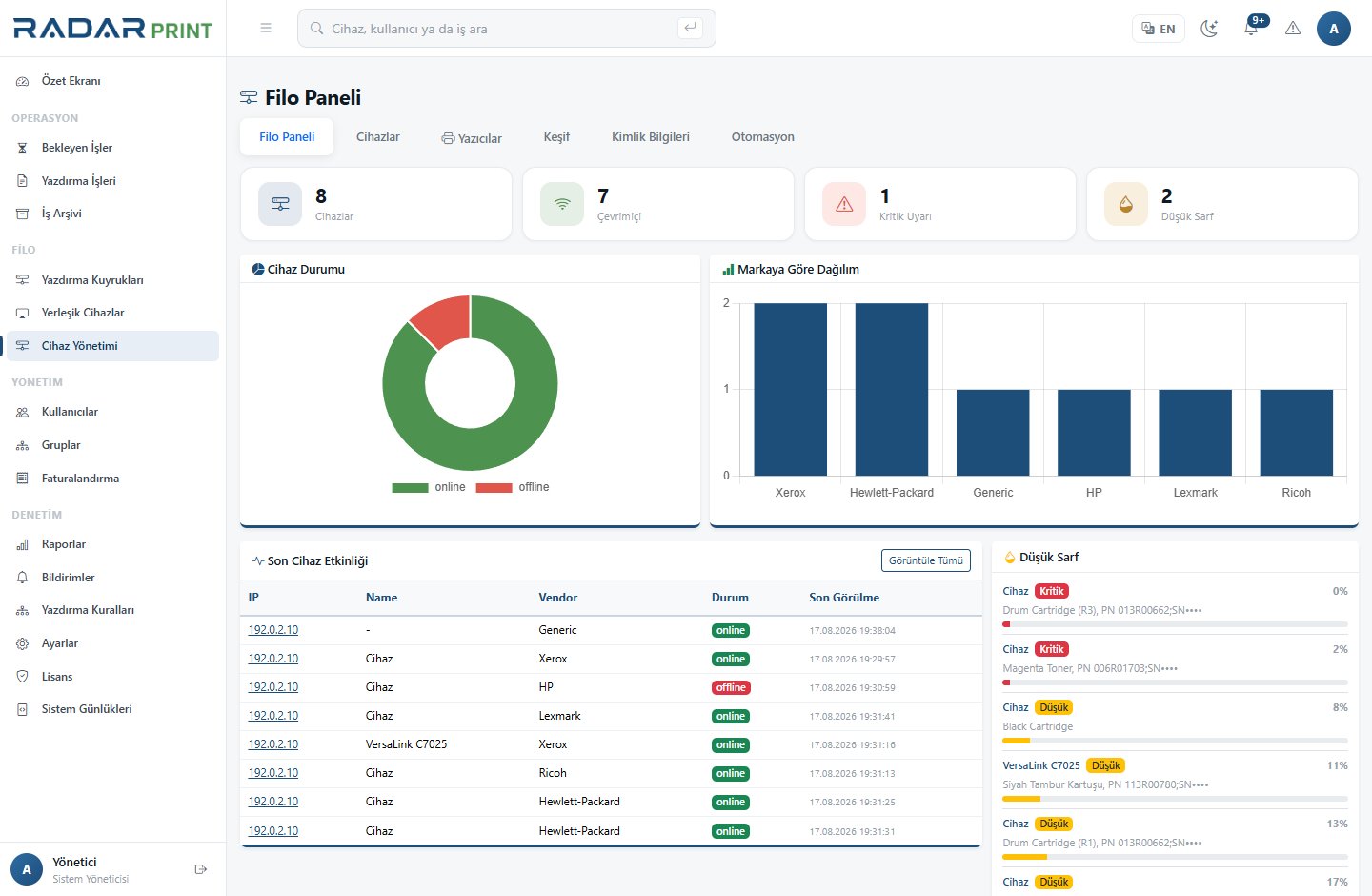
Monitoring scope
Fleet monitoring collects status and supplies information exposed by devices through SNMP. Toner levels, device errors and connectivity can be reviewed centrally. Do not assume that every model exposes the same fields or precision.
Initial checks
- Confirm that the device’s SNMP service is enabled according to organizational policy.
- Check access from the server to the device network.
- Configure the correct SNMP access settings with the authorized deployment team.
- Discover the device or associate it with its inventory record.
- Compare reported supplies with the device’s own web interface.
When a device appears offline
First confirm that it is powered on and connected. Address changes, VLAN access or firewall filtering can interrupt monitoring. A ping response does not prove that SNMP queries succeed.
Missing or different values
A blank field may mean that the model does not expose that information. Supply percentages may lag behind physical consumption or vary by manufacturer. Report persistent discrepancies with the model, firmware and affected field.